Anyone who runs a site about horoscopes, feng shui or spiritual guidance eventually asks the same practical question: is anyone actually finding my pages? You can publish a careful article on your zodiac sign's yearly outlook, place a small ad next to it, and still have no idea whether it sits on page one or page six. Guessing is cheap, but it is not free. It costs you the hours you spend rewriting pages that were fine and the weeks you leave a slipping page alone.
A small content site owner reviewing keyword positions on a laptop beside a notebook of article topics
This piece looks at rank tracking as an investment rather than a gadget. The tool in question is ServiceHub247, which describes itself as "Rank tracking on autopilot." I will go through what it can save you, how to measure whether it earns its keep, when it is worth paying for, and when you should stay on the free tier or skip it entirely. Everything below comes from the product's public pricing and the articles on its rank tracking guides and blog. Where the site does not say something, I will say so.
A concrete situation: one writer, forty pages, one slow month
Picture a solo publisher, which is an illustration and not a case study, who runs a Vietnamese-language site on birth charts and home feng shui. She has about forty articles, and around a dozen of them target phrases people actually search before big dates on the lunar calendar. She also sells one banner slot to a local business, so traffic has a direct dollar meaning for her.
One month her visits dip. She has three theories: Google changed something, a competitor overtook her, or the dip is just seasonal noise. Without position data she cannot separate them. So she does what most people do: she rewrites three articles at random and waits. Two weeks later, nothing is clearer.
Now change one thing. She has tracked her twelve money keywords for a while. She opens a dashboard and sees that two of them slid from the top ten while ten held steady. The problem just shrank from "my site is dying" to "two pages need attention." That is the entire economic argument for rank tracking: it turns a vague worry into a short list.
What it can save, and what the page actually says
ServiceHub247 lists several features that map to specific kinds of waste.
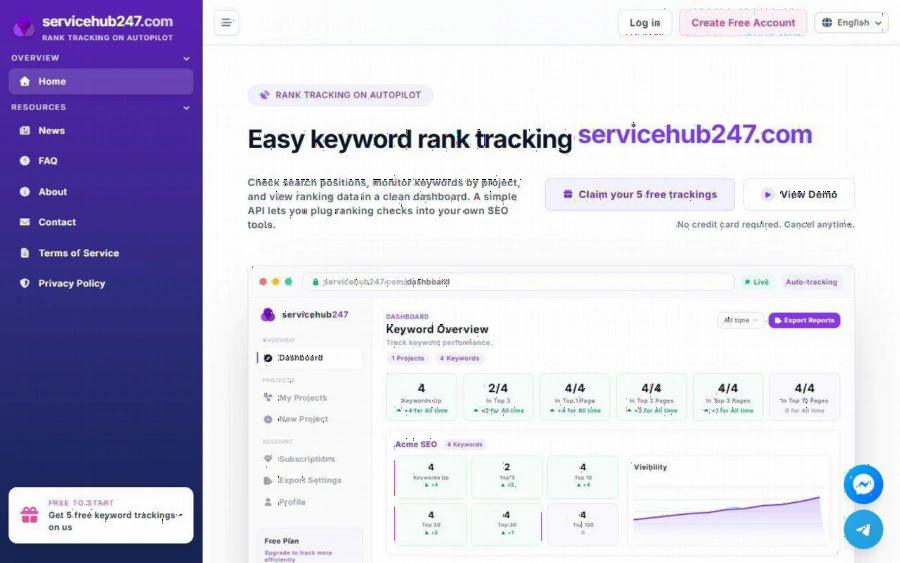
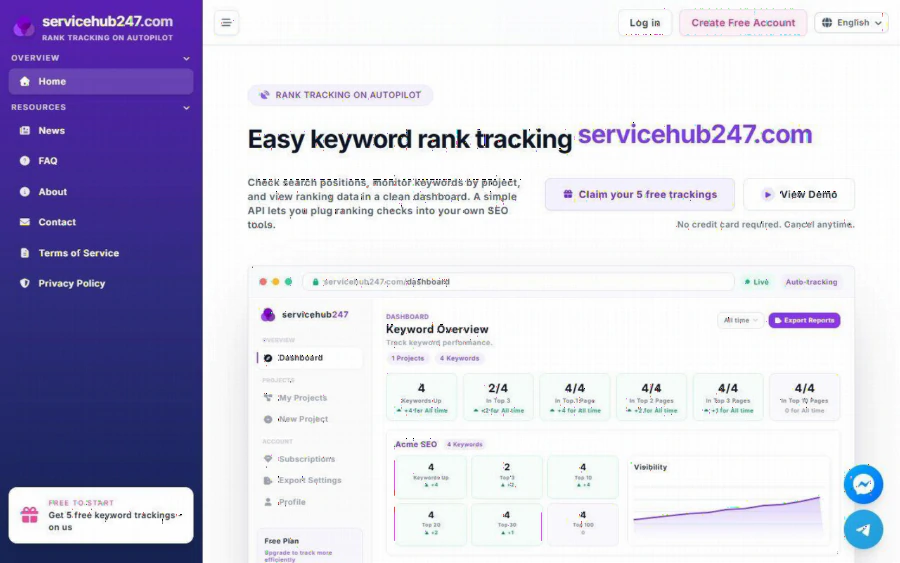
The first is time. The dashboard groups keywords into buckets: Up, Top 3, Top 10, Top 20, Top 30 and Top 100. A Visibility chart and a Position Trend chart show direction over time, and a history of rankings lets you look back instead of relying on memory. A daily digest reports keywords whose positions changed, and Rank alerts exist too. If you currently check positions by searching your own phrases by hand, you know how unreliable that is, because results depend on your location and history. The product checks positions by region, which is a more disciplined way to look.
The second is reporting effort. If you work for clients, you can export reports, including a PDF snapshot. The blog even has a piece on presenting PDF reports to clients, advising that you should not just send the raw file. I cannot tell you how many hours this saves you, because the site does not publish a time-saved figure and I will not invent one.
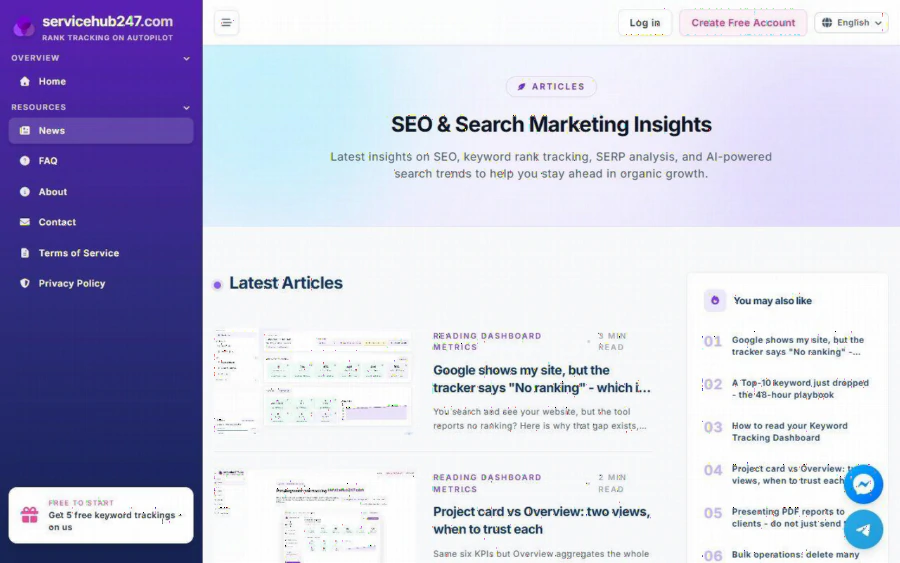
The third is clarity about what the numbers mean. The blog includes articles on why a tracker might say "No ranking" when you can see your site in Google, how the delta arrows are calculated, and when to trust ServiceHub247 versus Google Search Console. These are not features, but they reduce the chance of acting on a misread chart, and a wrong action is the most expensive kind.
A price comparison sketch showing monthly plan costs divided across the number of tracked keywords
How to measure whether it pays for itself
Before you spend anything, decide what "worth it" means. I suggest three measures, all of which you can compute yourself.
Cost per tracked keyword. The pricing page lists these plans: Free at $0 forever for 5 keywords checked weekly; Lite Weekly at $5.90 a month for 30 keywords; Standard Weekly at $7.90 a month for 50 keywords, shown against a $11 original price; Lite Daily at $21.90 a month for 30 keywords; Standard Daily at $29.90 a month for 50 keywords, shown against a $46 original price; and Enterprise on custom quotes. Divide it out and Lite Weekly works out to roughly 20 cents per keyword per month, Standard Weekly to about 16 cents, Lite Daily to about 73 cents, and Standard Daily to about 60 cents. Over a year, Standard Weekly comes to $94.80 and Standard Daily to $358.80. Those are my own arithmetic on the listed prices, and the listed prices can change, so check the page before you decide.
Decisions improved per month. Keep a simple log. Each time a position change causes you to do something, such as refreshing a page, fixing a technical problem or leaving something alone on purpose, write it down. If, after two months, the log is empty, the tool did not earn its place.
Revenue exposed per tracked page. If a page brings in leads or ad income, multiply a rough monthly value by the chance you would otherwise notice a drop late. If your twelve key pages are worth a few hundred dollars a month together, a plan costing under ten dollars is a small insurance premium. If your site earns nothing yet, the same plan is a hobby expense, which is fine, but call it that.
Weekly or daily: the question that moves the price four-fold
The jump from Standard Weekly ($7.90) to Standard Daily ($29.90) is the biggest decision on the page. Daily checking costs about three and a half times as much for the same 50 keywords, so ask what you would do differently with faster data.
For most content sites about horoscopes and feng shui, weekly is probably enough. These pages rarely need an emergency response, and a drop that lasts only a day is often noise. The blog's own guidance fits this view: it describes a 30-minute weekly review routine and a 48-hour playbook for when a Top 10 keyword falls off page one. That playbook suggests a sequence of checks to tell noise from a competitor overtake or a technical issue, which implies you should not panic on day one anyway.
Daily makes more sense when a page carries real money and timing, for instance a landing page tied to a paid campaign, or an agency account where a client expects an answer within a day. If you cannot name a decision that a one-day-old drop would change, you are paying for speed you will not use.
When it is worth it, and when it is not
It is worth paying for when you track more than five phrases that matter, when you manage several sites or projects (the tool organizes keywords by project, and the blog covers bulk delete and moving keywords between projects), or when you report to clients. Freelancers and small agencies are the stated audience, along with SEO specialists and marketers, and those are the people whose time is billable.
It is not worth paying for yet if your site is new and has few pages that rank anywhere, because tracking positions of 80 or 100 tells you little. It is also not needed if you can already see what you need in Google Search Console, which the vendor itself says measures differently and can be better for some decisions. And if you have a handful of core keywords, the free plan with 5 keywords checked weekly may do the job. Start there, learn what the dashboard shows, and upgrade only when you hit the limit.
I would also be honest about what I could not verify. The page does not list how many locations are supported, does not give a free trial length beyond the free tier, and does not publish customer results. Competing tools such as SERPWatcher from Ahrefs, AccuRanker, SE Ranking and SERPROBOT exist, but I have no pricing for them from this source, so I cannot say which is cheaper. If price is your main criterion, put two or three side by side using the same per-keyword arithmetic above.
A simple way to decide this week
Write down the ten pages whose traffic you would hate to lose. Add the five keywords most tied to them to the free plan and watch for a month. Keep the decision log. If you hit the five-keyword ceiling and the log has real entries, move to a weekly paid plan. If you feel the need for same-day alerts, test daily for one month and compare the log. If neither happens, you have spent nothing and learned that your site did not need the tool yet.
The point of measuring is that a tool earns its fee by changing what you do. If you want to see how the product frames its own use, the ServiceHub247's rank tracker shows the plans, and the blog has short, practical articles on reading the dashboard. Judge it by your own log, not by anyone's promises, including mine.